

Home / Guides / Choosing the best free X video downloader for your needs
Choosing the best free X video downloader for your needs
Published 2026-11-22
Choose a free X video saver by checking quality, watermarks, account requirements, mobile saving and Live replay support. See how SaveTheX works.
Which free X video downloader should you choose?
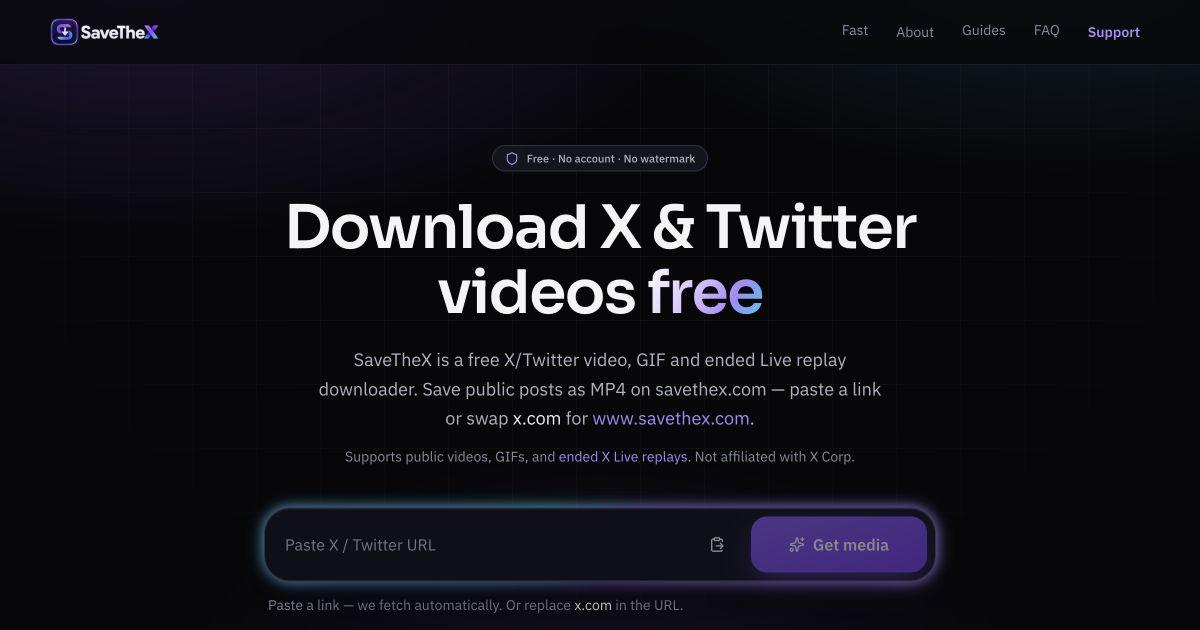
Choose a tool that can save your public post in a quality X actually provides, works on your device, and clearly explains its price and limits. SaveTheX is one option when you want public videos and GIFs as MP4, available quality choices, no account, and no added watermark.
This guide is written by SaveTheX about its own service. Use the checklist to decide whether our public-post workflow fits your needs.
Check what free includes
SaveTheX lets you resolve a public post and use its available downloads for free. The optional $1, $5 and $10 hosting contributions are one-time payments and do not unlock quality settings or remove a watermark.
A useful free video saver explains any limits before asking you to pay. Confirm that the download you need is included and that you understand any payment screen before proceeding.
Compare source quality and file type
A downloader can only offer what X makes available for a post. A 1080p upload may have several smaller versions, while another post may have a lower maximum resolution. Choosing a larger label cannot restore detail missing from the source.
SaveTheX lists available qualities and puts the highest-resolution option first. Public videos are saved as MP4, and X GIFs are usually saved as looping MP4 videos. SaveTheX adds no watermark, while marks already in the original video remain.
Use the workflow that fits your device
On desktop, copy the public post URL, paste it into savethex.com, and select Save video. You can also replace x.com with www.savethex.com in a post URL to open it ready for extraction.
On iPhone, paste the link into Safari and check Downloads or Files for the saved MP4. On Android, use Chrome and check Downloads. Sharing directly into the installed web app is available in supported browsers.
Check account and privacy requirements
SaveTheX does not ask for an X password or a SaveTheX account. The public post link goes to the extraction service, recent download history stays in your browser, and the site uses Vercel Analytics. Read the Privacy Policy for details.
Understand speed and Live replay limits
Regular video downloads can start after you choose an available format. An ended Live replay can require several minutes of preparation before a full MP4 is ready. Video size, your connection and X availability affect the wait.
SaveTheX supports public posts and ended public Live replays. Private posts, deleted media and a currently running live stream without a replay are outside that scope. No single response-time measurement establishes the fastest downloader for every post.
Try a public post before you decide
Open the SaveTheX downloader, paste a public post, choose the quality you need, and check the saved file on your device. If extraction fails or a download expires, use our download troubleshooting guide.
Ready to try it? Open SaveTheX, or jump to Live replays / GIFs.